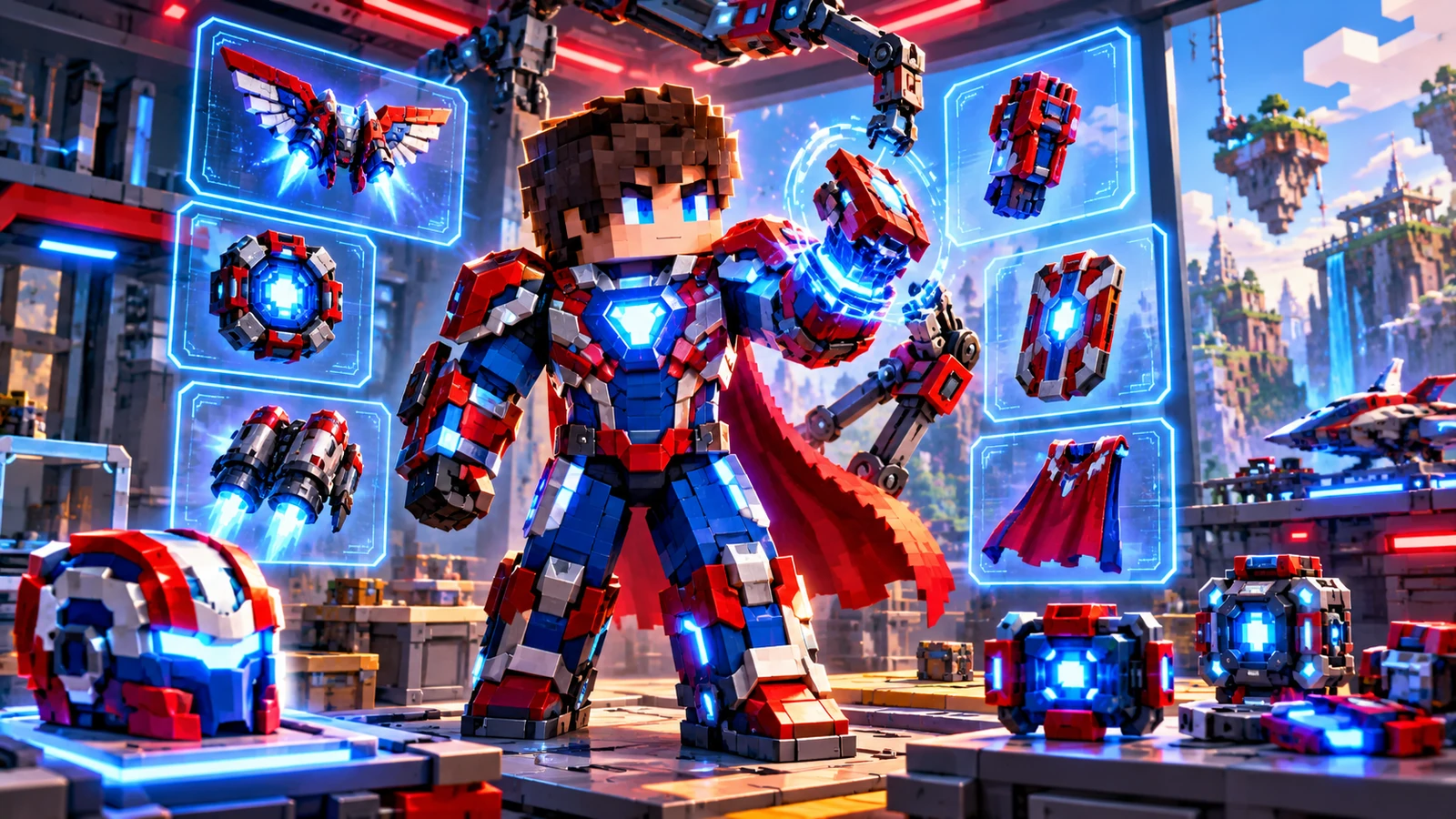
Fisk Superhero Mod Addons: How to Add Extra Content Carefully
Fisk Superhero Mod addons can expand a working installation with additional content or altered experiences, but they also introduce another compatibility layer. The safest approach is to build from a known-good base mod profile and add extensions gradually.
Match the exact base version
An addon can be designed for one particular Fisk Superhero Mod release, Minecraft version or Forge environment. Read the addon’s own requirements before installing it. A file that looks correct by name can still fail if its target version is different.
Add one pack at a time
Install and launch after each new addon. This simple habit gives you a clear answer when something breaks because the last change is easy to identify. If you copy ten packs at once, the same crash can take much longer to trace.
Watch for ID, resource and key conflicts
Large content packs can overlap in resources, configuration or controls. Missing textures, duplicate keybinds or startup messages are signs that you should review the pack combination. Keep a backup of configuration files before making larger changes.
Use a rollback folder
Maintain a small backup folder containing the last working set of mod and addon files. If a new addon causes problems, remove it and restore the known-good set. This is faster than repeatedly rebuilding the whole profile.
Practical checklist
- Back up important worlds before changing a modded profile.
- Match Minecraft, Forge, base mod and addon versions.
- Test the base mod before adding optional content.
- Keep only one intended version of each mod in the active folder.
Related guides
This website is an independent informational resource. It is not the official developer website and does not claim affiliation with the mod author or other third-party platforms.